A complete mastery path
Build from your first legal move through tactics, endgames, strategy and calculation.

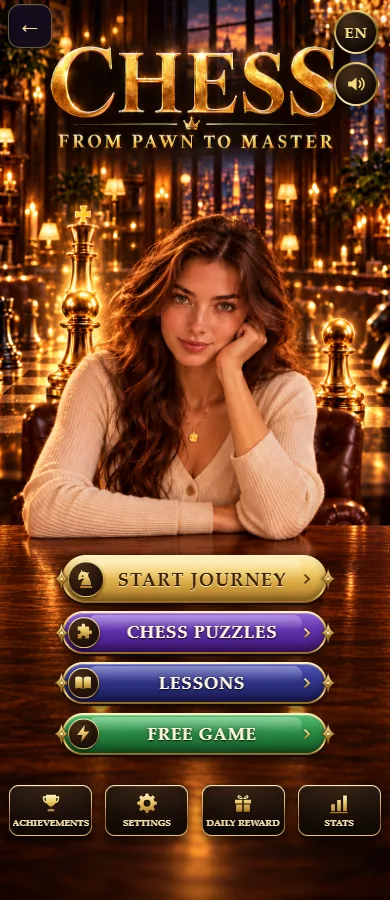
 Chess From Pawn to Master
Learn chess from your very first move, free in your browser. Follow a structured mastery path, sharpen tactics and endgames, practise strategy, and play a friendly AI that grows with you across 12 levels.

Build from your first legal move through tactics, endgames, strategy and calculation.
Bite-size puzzles that train the patterns strong players see.
Meet twelve computer opponents, start gently and turn up the challenge as you improve.
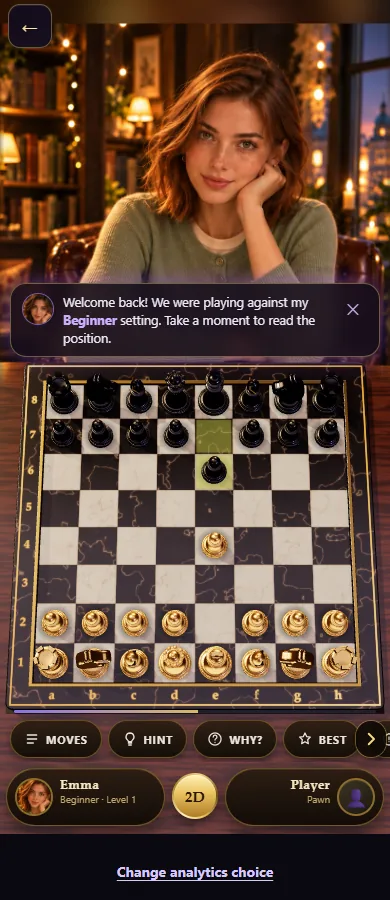
Coach Sophia offers hints, “why?” explanations and best-move nudges as you explore the 3D chess table.
Never played before? No problem. Chess From Pawn to Master starts at the very beginning — how each piece moves, how to castle, how checkmate works — and builds you up step by step. Already know the rules? Jump straight into puzzles and games against the AI to sharpen your play.
Everything runs instantly online with no account and no download. Enjoy it? The full app is available for iPhone and iPad so you can learn and play offline, anywhere.
See the board
Free chess lessons
Study one clear idea at a time, see a worked position, avoid common mistakes and continue in the interactive Training Hall.
Chess PuzzlesTry the daily position, choose a difficulty and launch the existing puzzle engine →Good to know
Yes — it starts with the board and piece movement, then builds step by step into tactics, endgames, strategy and practical play.
Yes, it's completely free to play in your browser — no account, no download.
Yes, a friendly AI opponent with 12 difficulty levels grows with you as you improve.
It works on any screen, and the full app is available for iPhone and iPad on the App Store.
Ready to play?
Choose a game against Leo, a guided lesson or a tactical puzzle. Each asks for a different kind of thinking: playing a complete position, learning one rule, or finding a forcing continuation. Start with a level that leaves you time to understand the replies.
The board accepts legal moves only: you cannot leave your own king in check. Castling also checks the king’s route and castling rights. Checkmate ends the game; stalemate is a draw, so removing every escape square is not enough if the king is not in check.
The 12 Leo levels change search strength and, on easier levels, the chance of weaker choices. Their names describe game difficulty, not a measured human rating. Winning here does not award an official chess rating.
Hint highlights a suggested move; Explain discusses the position, and Best Move shows a searched candidate. These are learning aids, not a promise of perfect analysis. During an unfinished ordinary game, Undo returns to your previous turn when possible. Undo is unavailable in puzzle mode and after a finished game.
During an unfinished ordinary game, Undo usually removes your move and Leo’s reply together, returning to your previous turn. It cannot undo a completed game or a puzzle attempt.
No. Checkmate ends the game when the checked king has no legal escape. Kings are never captured.
Begin with level 1 and increase it when you can explain your own moves and Leo’s replies. The level names are difficulty labels, not verified Elo ratings.
Take lessons, tactical puzzles and games against Leo with you; core play works offline.
Free download · Includes advertising and optional in-app purchases. App and browser progress stay on their respective devices.